Step 1
Provide a PDF appraisal
Submit a PDF appraisal containing vehicle images for processing.

VisionAI
VisionAI extracts the vehicle images contained in PDF appraisals, separates them from the document, and sorts them by view. Individual images are then ready for further processing in a structured format.
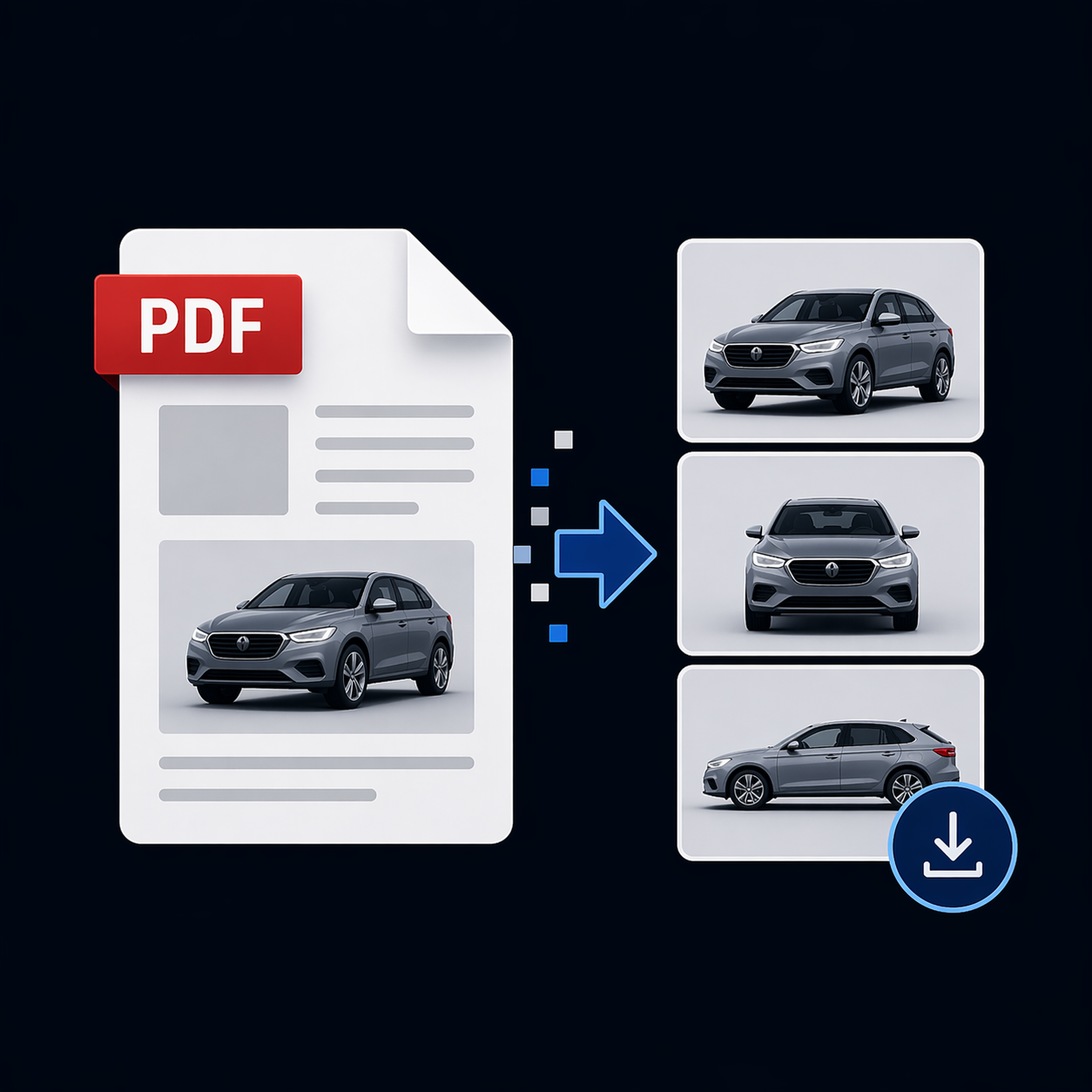
Step 1
Submit a PDF appraisal containing vehicle images for processing.
Step 2
VisionAI identifies the vehicle images in the document and provides them as separate image files.
Step 3
Each image is assigned to its vehicle view, such as front left or rear right.
Use extracted and sorted images in your workflows for creating vehicle listings with external providers.
Continue processing individual vehicle images and their views automatically, for example when recording vehicles in your inventory or sending files to downstream systems.
Image categories show at a glance which vehicle perspective a photo represents.
InspectAI
Combine extracted images with the structured vehicle data from InspectAI. Document information and matching vehicle photos can then flow together into downstream workflows.
Learn more about InspectAI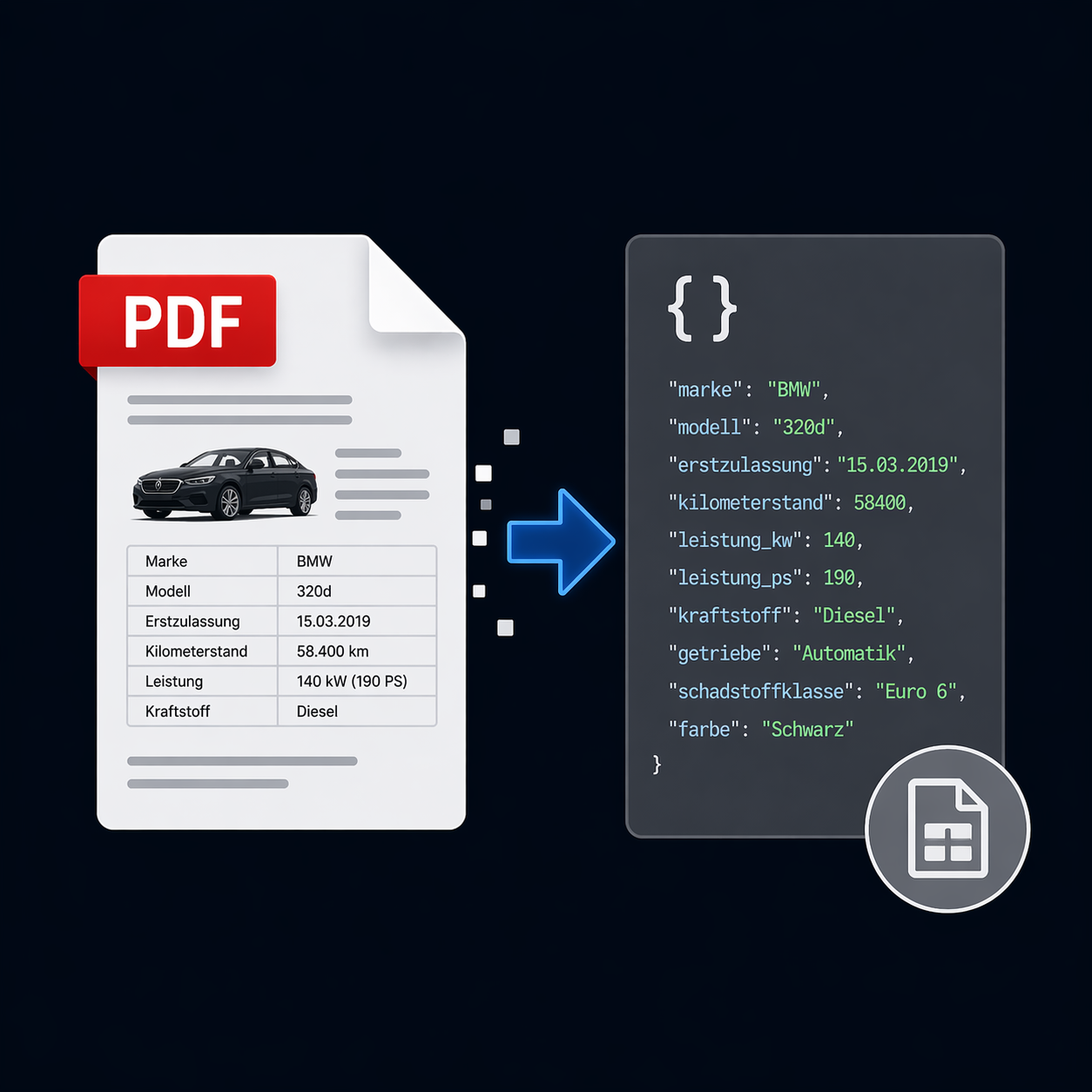
Get started with VisionAI and use extracted images sorted by vehicle view in your workflows.
Register for free