Step 1
Provide a PDF appraisal
Submit a vehicle appraisal in PDF format for processing.

InspectAI
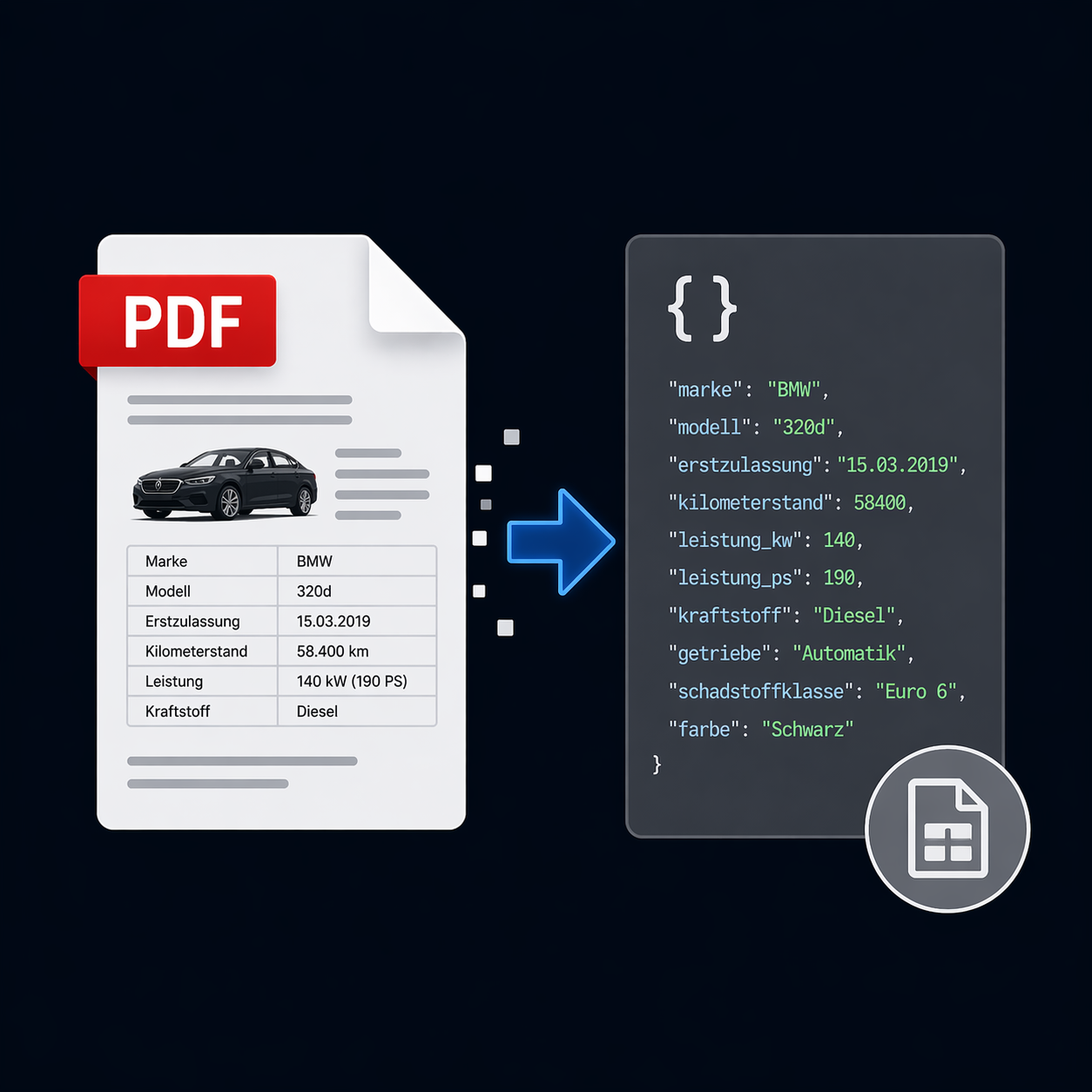
InspectAI accepts vehicle appraisals in PDF format, extracts the vehicle data they contain, and returns it in a structured form for machine processing.
Step 1
Submit a vehicle appraisal in PDF format for processing.
Step 2
InspectAI reads the vehicle data in the appraisal and organizes it into a structured format.
Step 3
The structured results can be processed by software and passed into the next steps in your workflow.
InspectAI currently supports selected appraisal types. If your report type is not yet supported, further types can be added on request.
Use extracted vehicle data in your workflows for creating listings with external providers.
Use structured appraisal data to record vehicles in your own inventory and transfer information to your systems.
VisionAI
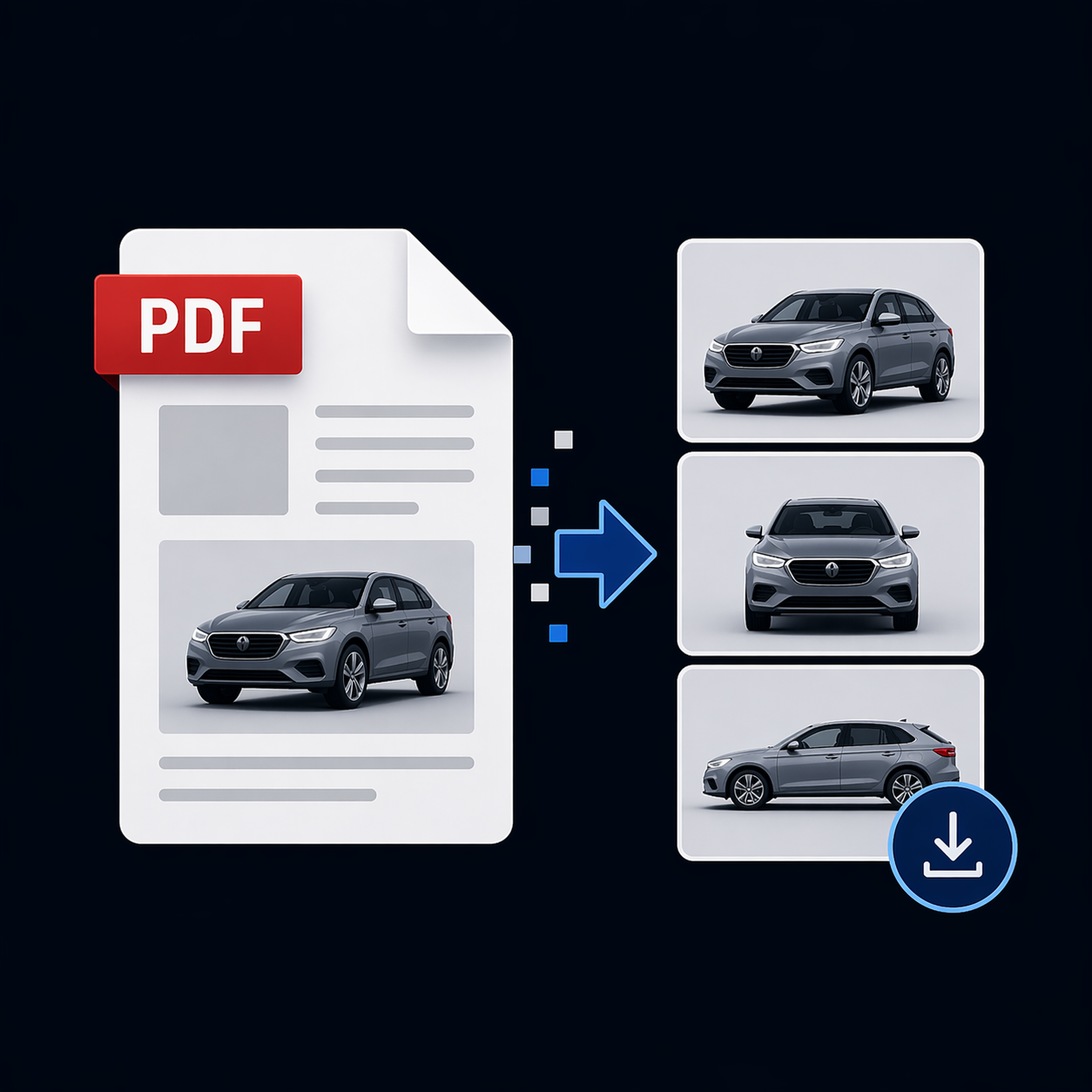
Combine InspectAI with VisionAI. VisionAI also extracts every image from the appraisal and categorizes it by view, so images can be labeled “Front left” or “Rear right” and processed accordingly.
Learn more about VisionAIExamples of image categories
Get started with InspectAI and use extracted vehicle data in your next process steps.
Register for free