Step 1
Choose vehicle photos
Select the vehicle photos you want to present in a showroom scene.

ShowroomAI
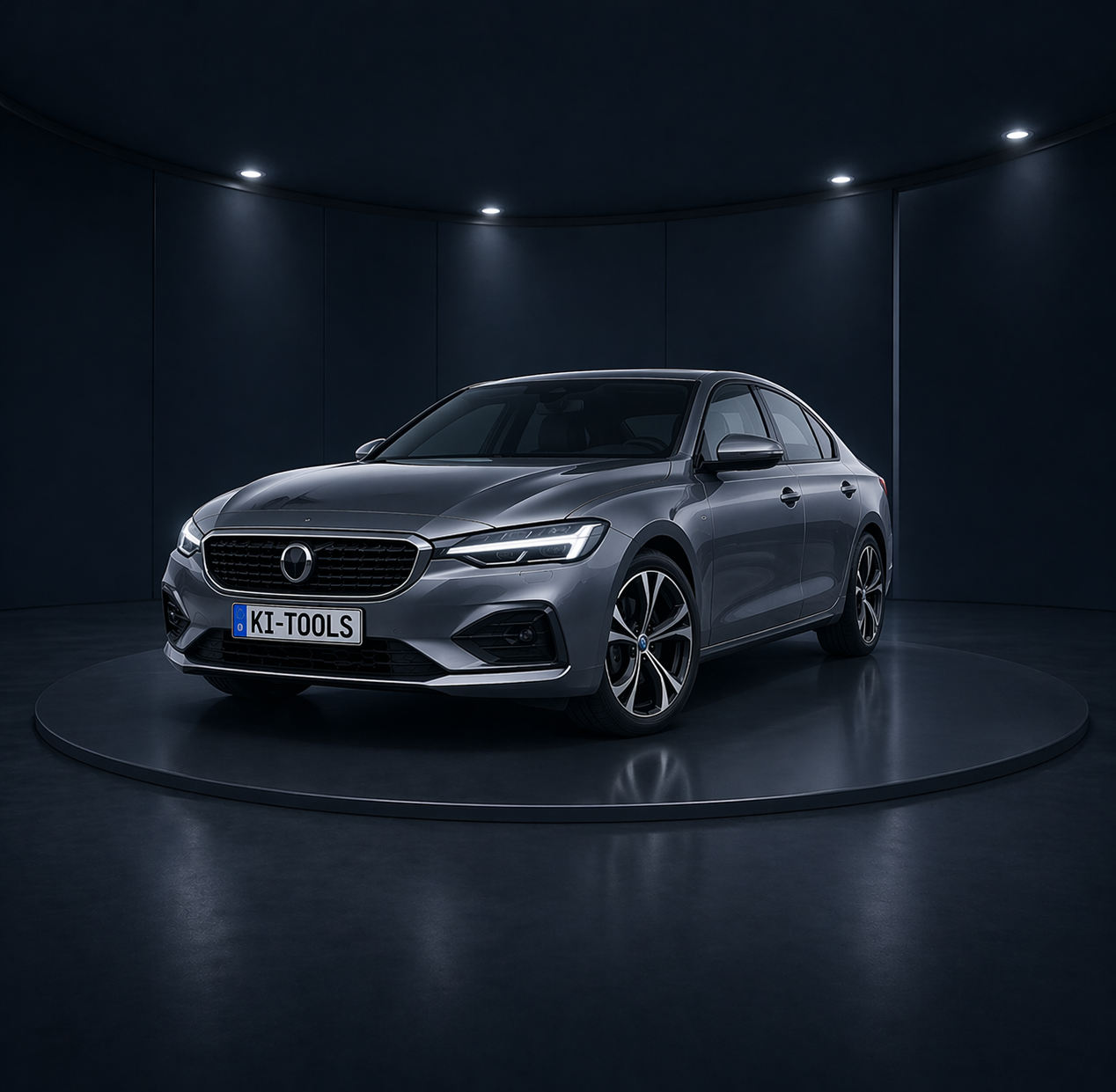
ShowroomAI replaces the original surroundings in a vehicle photo with a virtual showroom scene. Create polished vehicle images for listings, dealer websites, and other sales channels.
Step 1
Select the vehicle photos you want to present in a showroom scene.
Step 2
Use a ready-made showroom or upload your own background for presenting your vehicles.
Step 3
ShowroomAI combines the vehicle with the selected scene and provides the resulting image for your workflows.
Present vehicles in a fitting virtual setting and create a consistent look across your listings.
Use generated images on dealer websites, in digital vehicle inventories, and in other sales workflows.
Choose from ready-made scenes or upload your own showroom background to tailor the setting to your presentation.
CleanAI
For a different image style, use CleanAI to remove the background from a vehicle photo instead of placing it in a showroom scene.
Learn more about CleanAI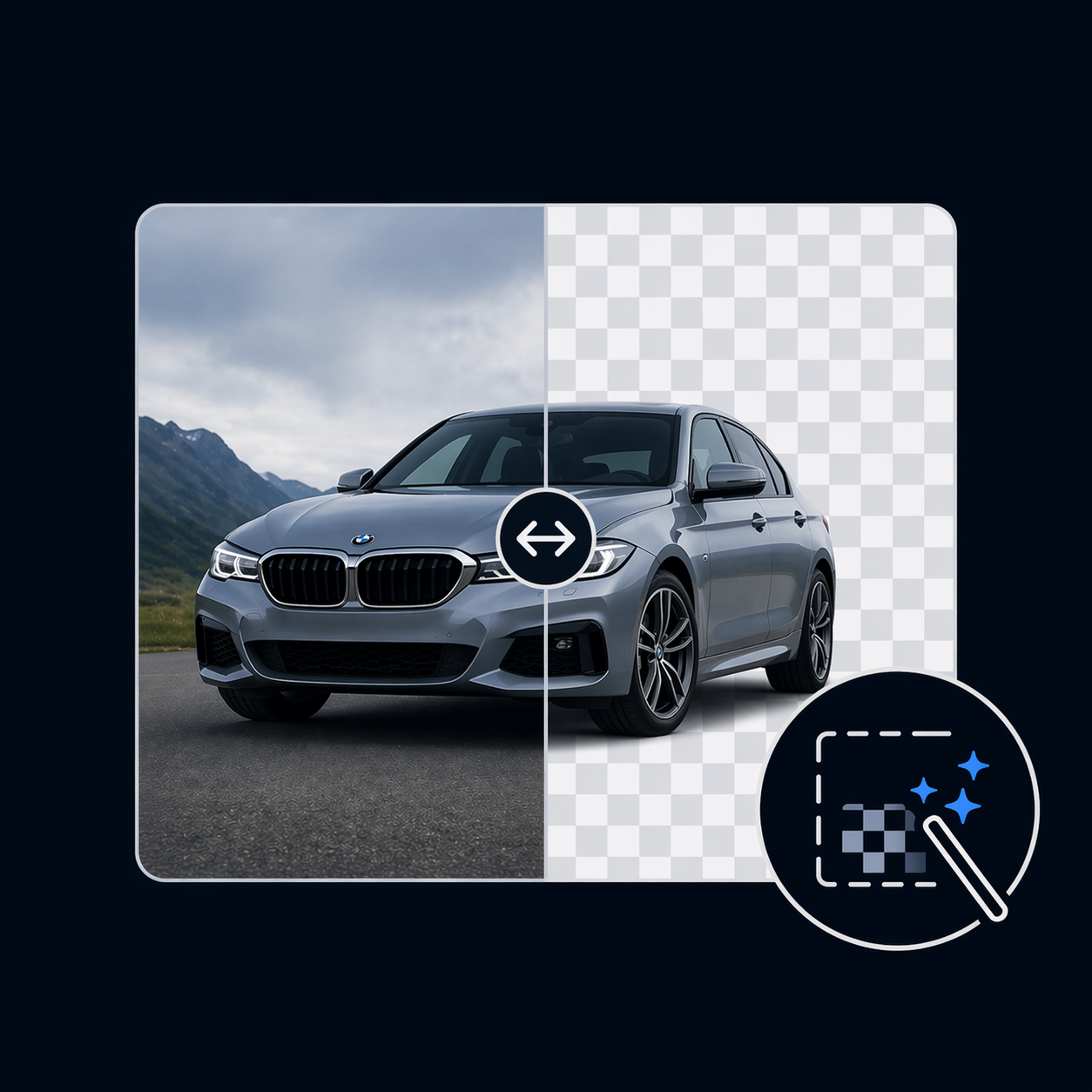
Get started with ShowroomAI and create virtual showroom images for marketing your vehicles.
Register for free