Step 1
Choose vehicle photos
Select the vehicle photos where PlateAI should detect and edit license plates.

PlateAI
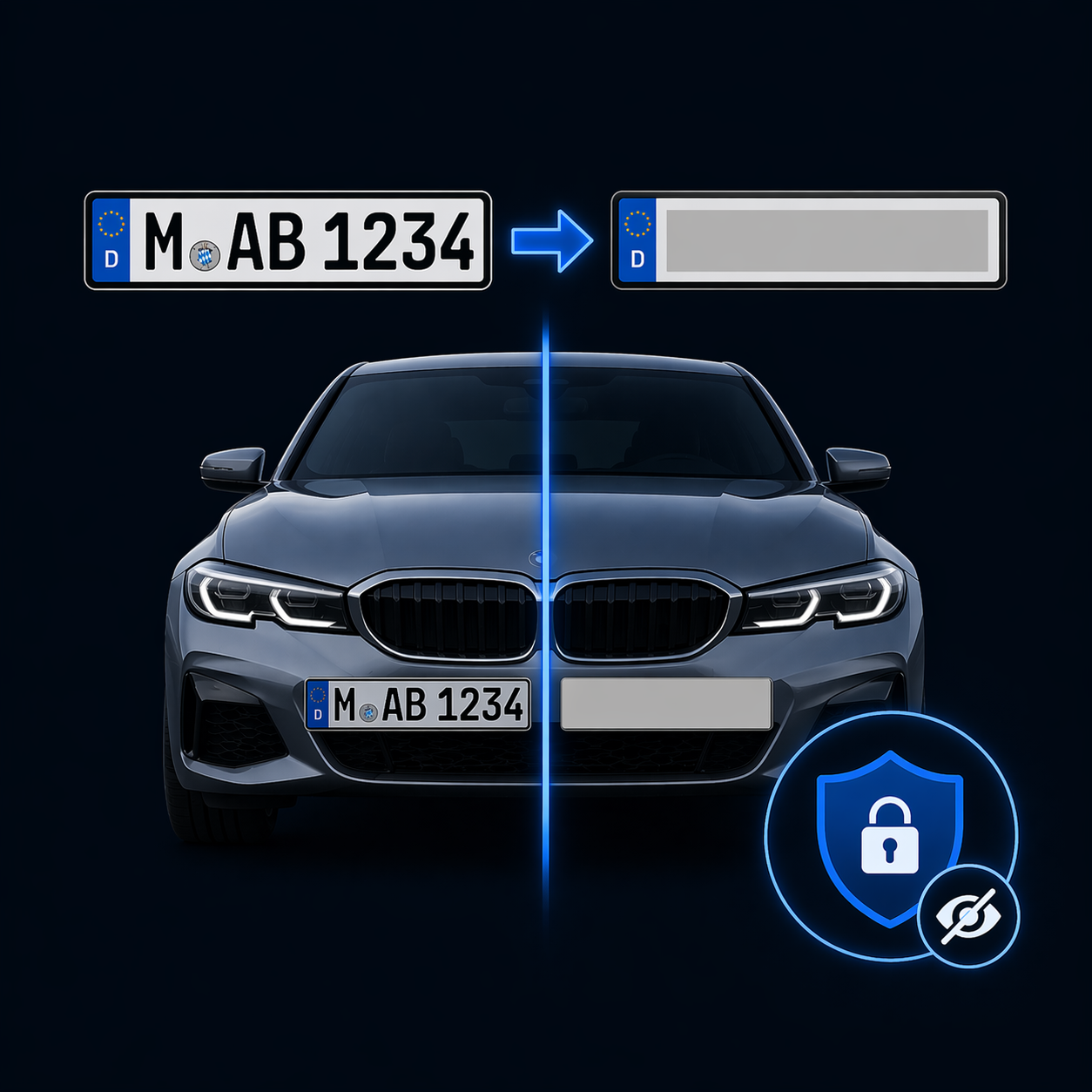
PlateAI detects license plates in vehicle photos and gives you two options: hide the plate or replace it with a standard or custom plate design.
Step 1
Select the vehicle photos where PlateAI should detect and edit license plates.
Step 2
Hide detected plates or replace them with a standard or custom plate design.
Step 3
Review the edited vehicle photos and use them in listings or downstream workflows.
€0.30
PlateAI detects visible plates and makes them unreadable in the vehicle photo, for example before you publish or share an image.
per photo with a detected plate
€0.50
Replace a detected plate with a design. Use the standard design or upload your own PNG plate design in your account settings.
per photo with a detected plate
You are charged only when PlateAI detects a license plate in the photo.
Hide plates before publishing, or replace them with a design that fits your vehicle presentation.
Edit vehicle photos in the web interface alongside other image services and pass the results into your existing workflows.
VisionAI
If your vehicle photos are inside PDF appraisals, VisionAI extracts them first. You can then edit the individual images with PlateAI.
Learn more about VisionAI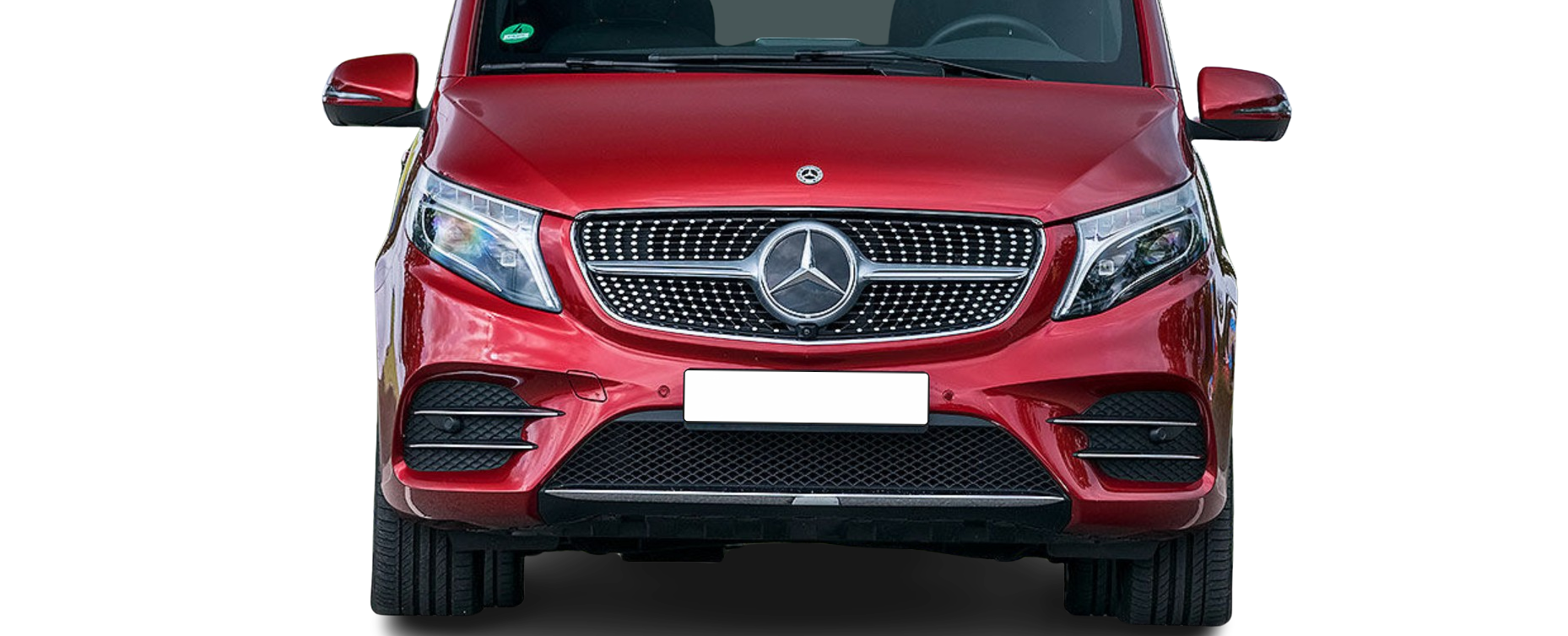
Get started with PlateAI and choose the right license plate edit for each vehicle photo.
Register for free